Agent Skills, the / command
Turning repeated prompts into reusable workflows, with structured editor badges, portable serialization, and validated execution in the agent runtime.
Adapted from my article originally published on LinkedIn.
Read original on LinkedInPeople discover prompting workflows that work, then find themselves restating the same instructions again and again. The useful behavior exists, but the product has not made it easy to save, invoke, inspect, or reuse.
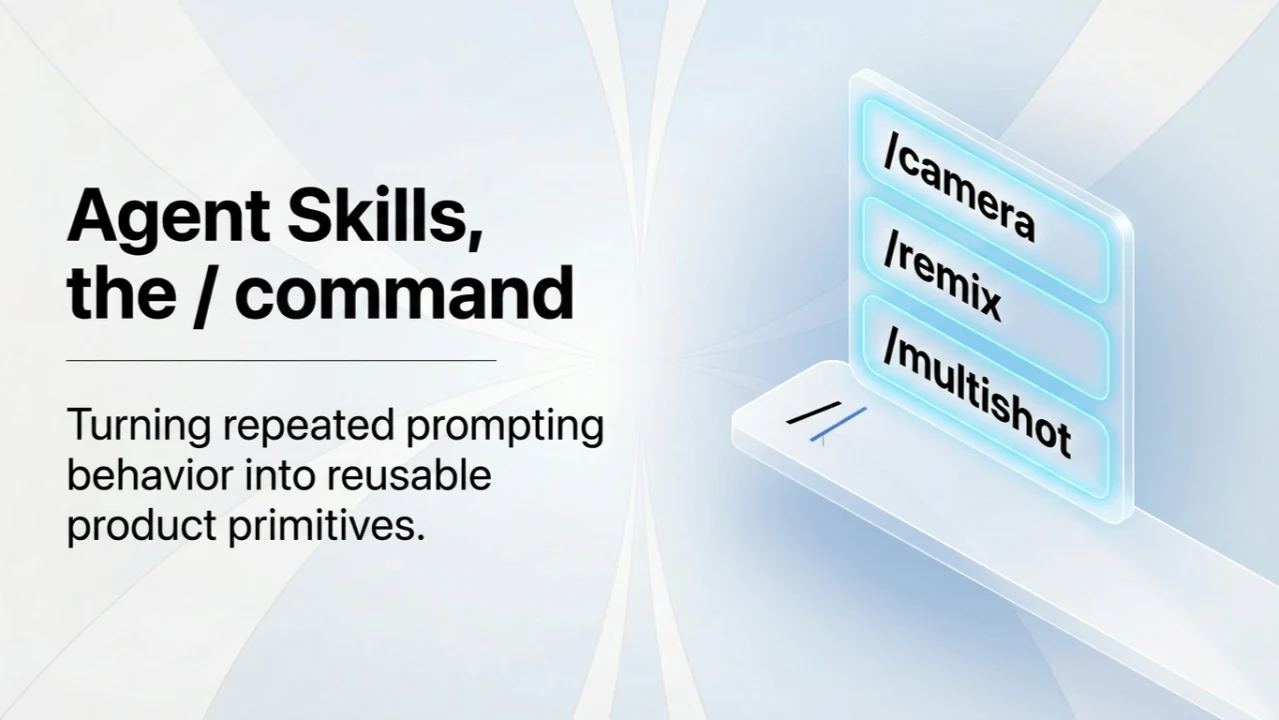
I built Hedra’s AI Agent Skills and / command workflow to turn that repeated prompting behavior into a reusable product primitive.
A playbook, with room for this run
Running a skill means “use the playbook we already agreed on,” then adding only the context specific to the current task. This improves repeatability and makes it easier to share a way of working without storing prompts in a separate document.
Typing / opens a skill picker. It is more than an autocomplete menu:
- A selected skill becomes a visible badge in the prompt.
- Public and private skills can appear together, with private skills prioritized.
- Private skills can expose actions such as view, duplicate, and edit.
- A skill can show its description and an optional argument hint when inserted.
The important decision was to treat the skill as a product object, not a decorated string.
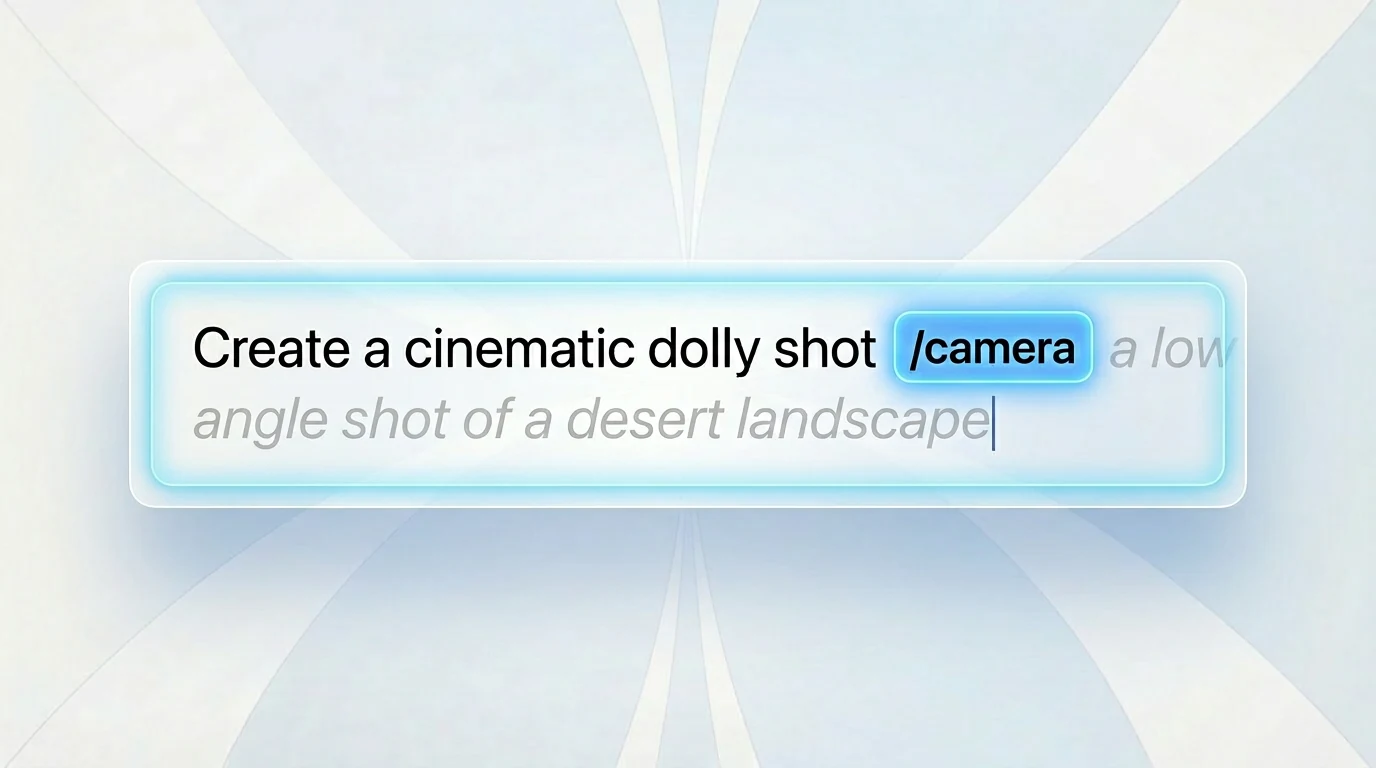
A structured node in the editor
The skill is inserted as a rich inline node. It carries explicit metadata such as the skill’s name, description, visibility, and optional argument hint.
That structure gives the badge predictable behavior. It can render clearly, be inspected, be removed inline, and participate in the prompt editor’s normal interactions.
In media generation, a skill can encode a substantial amount of domain knowledge:
/cameramaps a natural-language camera request to canonical movement types, selects a model family, applies a tested prompt template, and considers whether the keyframe composition supports the move./remixanalyzes a source image’s visual characteristics and uses that analysis to construct a new text-to-image prompt./multishotdecides how many outputs to create, whether keyframes are needed, when the user must choose among results, and when the workflow can continue.
These workflows encode guardrails, model selection, sequencing, and stop conditions—not just a longer block of instructions.
Portability is part of the feature
A useful editor badge has to survive more than its initial render. It must remain meaningful through editing, copying and pasting, history, and editor rehydration.
The implementation uses an explicit serialized form:
<private-skill>skill-name</private-skill>
<public-skill>skill-name</public-skill>
The frontend can serialize the rich node into the prompt and reconstruct it later. That prevents a saved workflow from degrading into plain text when it returns to the editor.
Skills can also carry lightweight usage guidance, such as a description, example, or backend-provided argument hint. This helps someone use the workflow in context, without opening a separate document.
Custom workflows without a visual workflow builder
Private custom skills contain a name, short description, Markdown instructions, and a preview mode. This makes workflows durable without forcing users to express them through a rigid visual builder.
The frontend pipeline is straightforward:
- List the available skills.
- Insert a structured skill node.
- Serialize the prompt.
- Hydrate the rich node from text when it is loaded again.
On the backend, the feature spans API routes and schemas, a private-skill database model and repository, a prompt parser, the chat runner, and the agent loop.
There are two sources of skill definitions: private skills stored in the database and public skills bundled as SKILL.md assets. Before a run starts, the backend validates the prompt, enforces the same one-skill invariant as the frontend, resolves the reference, renders the final Markdown, and injects it into the agent loop as the active workflow.
The interface and the runtime have to agree
What I like about this design is that it connects three layers:
- Interaction: discovering a skill, inserting its badge, and inspecting or editing it.
- Transport: preserving that choice through explicit serialization and hydration.
- Execution: resolving and validating the skill before the agent runs it.
The / interaction is small. Its value comes from carrying a reusable workflow all the way through the system.
The related product write-up is Skills in Hedra.
Adapted from my LinkedIn article published April 10, 2026. The original article’s illustrations were made with Hedra’s agent.