Agent Connectors, the Model Context Protocol
How I connected prompt-composer UX, account connections, and per-conversation tool access to bring external services into Hedra’s agent.
Adapted from my article originally published on LinkedIn.
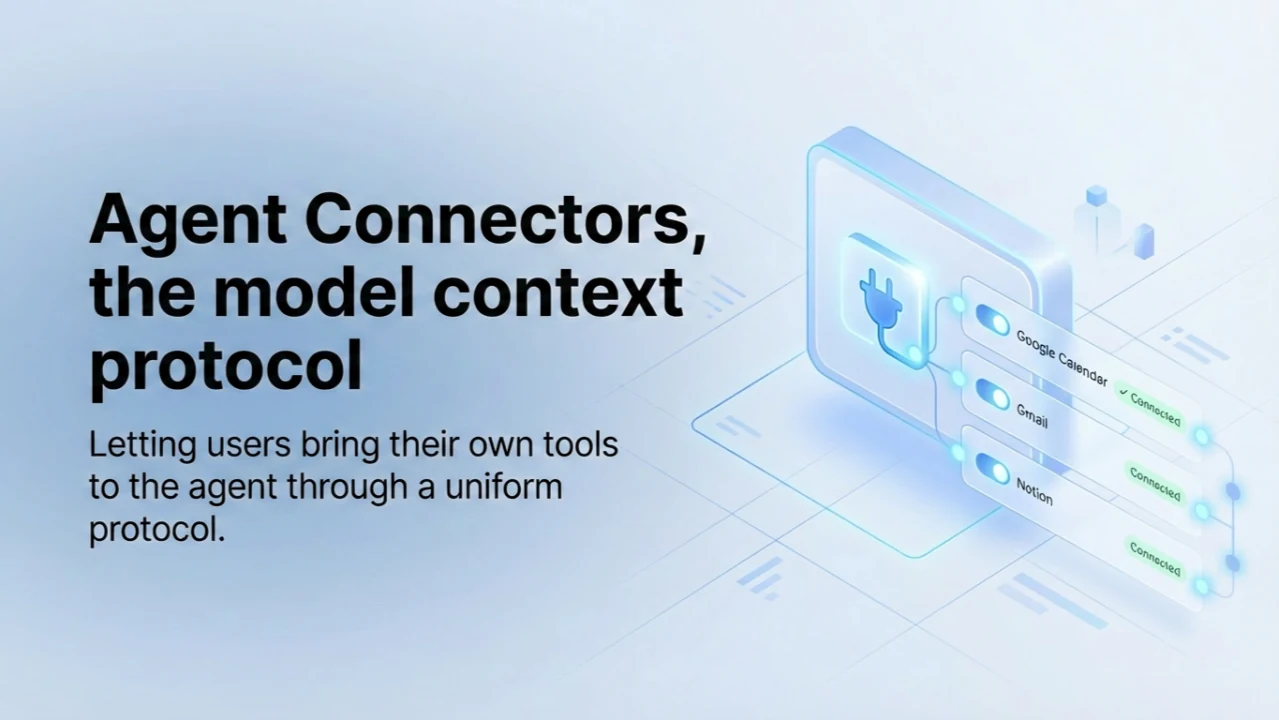
Read original on LinkedInMost users never need to read the words “Model Context Protocol.” They click a plug icon, pick a service such as Google Calendar or Gmail, and sign in. The important part is what happens next: they can decide which connected tools the agent may use in a particular conversation.
I built this feature at Hedra to let people bring their own tools into the agent without having to understand the integration plumbing. The interface is small, but it connects several distinct systems.
A connector menu inside the conversation
External integrations often live somewhere else in a product. A user leaves their prompt, configures a service in settings, comes back, and hopes the agent knows what changed.
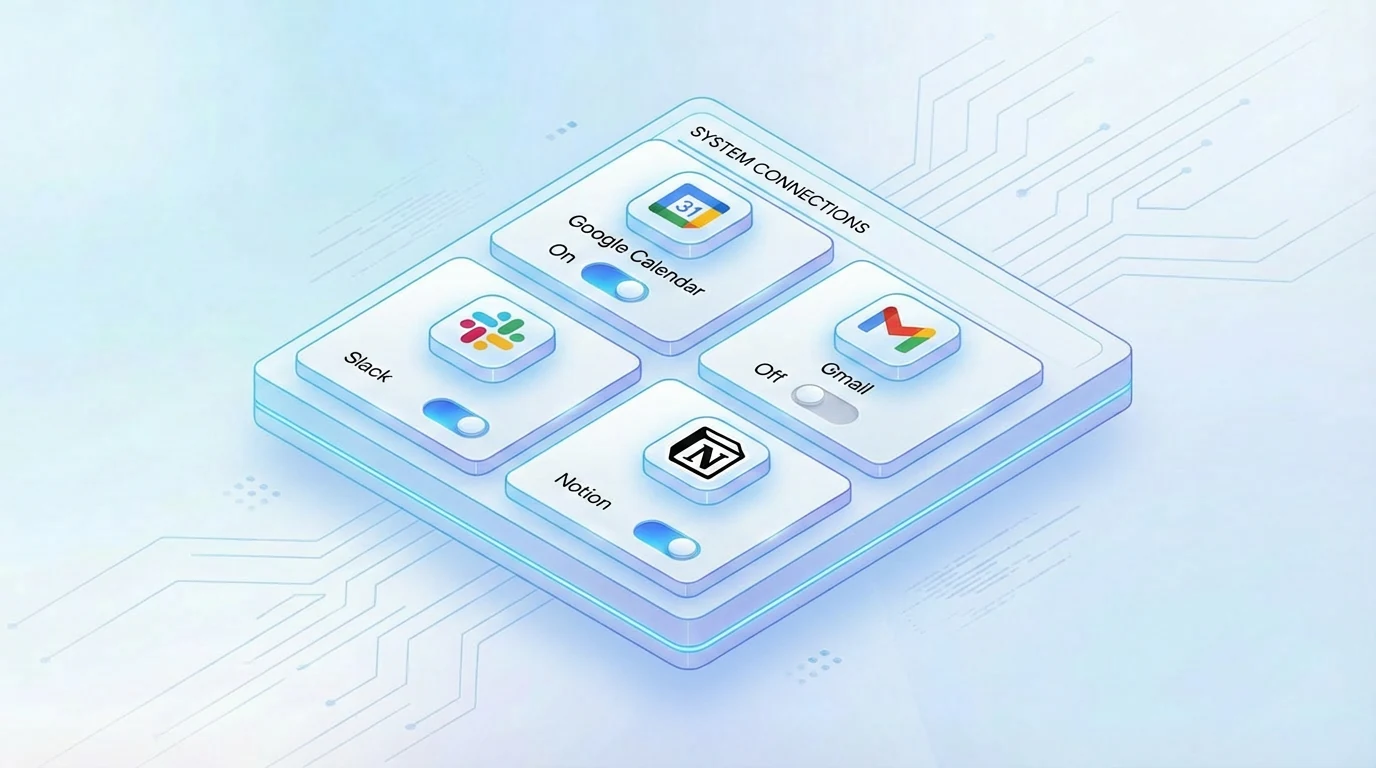
At Hedra, the plug icon opens a connector menu in the prompt composer. Connected services appear with toggles. Those toggles apply to the current conversation, rather than enabling every connected service across the entire account.
A separate “Manage connections” dialog handles the heavier flows: finding services in the catalog, connecting a new account, and reconnecting an expired connection.
Three different kinds of state
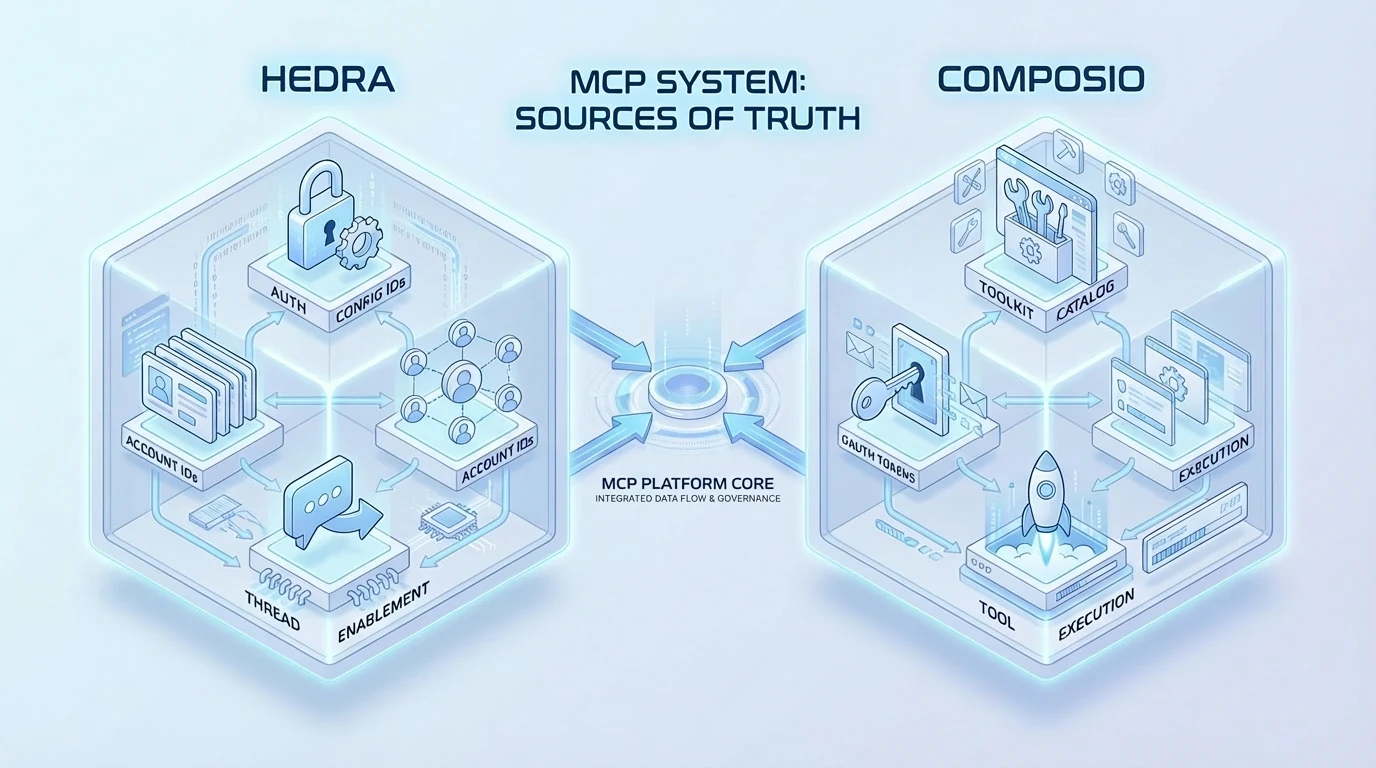
The system keeps three layers separate:
- The catalog: services a user could connect.
- Account connections: services the user has already connected.
- Conversation enablement: the connected services the agent is allowed to use in this thread.
These represent different decisions. A connection establishes access to a service. A conversation toggle determines whether that service belongs in the current task. Treating them as the same state would blur a useful product boundary.
What MCP means in this implementation
MCP gives the agent a uniform way to talk to outside tools. In this implementation, Composio provides the toolkit catalog and tool router, including OAuth flows, token storage, tool schemas, and execution. Hedra adds the product controls: catalog curation, access gating, and per-conversation enablement.
The connection flow is redirect-based. The frontend asks the backend for a one-time connection link and navigates to it. Composio handles the OAuth flow. When the user returns, the app refetches its connection state. The frontend does not need to mirror OAuth tokens or maintain a polling loop to ask whether a connection has completed.
From the composer to an agent run
On the frontend, the flow is a compact typed pipeline:
- Load the service catalog lazily when the management dialog opens.
- Read the account’s connected services.
- Save the thread’s enabled set, or hold a pending selection before a thread exists.
- Attach that selection to the new thread when the first message is sent.
Before an agent run, the backend resolves the user’s connected services and narrows them to the conversation’s enabled set. It requests a fresh tool-router session URL from Composio and supplies it to the agent loop as a streamable-HTTP MCP toolset.
The enabled-tools list is a persisted field that the agent loop reads on each run. It is not a soft preference: the model does not receive a tool that the user has not enabled for that conversation.
An integration should not take the conversation down
An external service in the message path also creates a reliability concern. The implementation degrades gracefully: if Composio is slow or unavailable, the agent loop can drop the MCP toolsets and continue with Hedra’s own function tools, so the message can still complete.
The larger idea is not simply “more integrations.” It is giving people a concrete way to scope what the agent can reach, conversation by conversation.
The plug icon brings together interaction design, account-level connection state, and backend runtime capabilities. That is the kind of feature I like building: simple on the surface, with a technical structure that makes the interaction meaningful.
For more about the protocol itself, see the Model Context Protocol specification.
Adapted from my LinkedIn article published April 24, 2026. Illustrations are reproduced from that article.